How to Add a Watermark to PDF Documents (Free Methods)
Protect your PDFs with watermarks - for branding, confidentiality, or draft marking. Free browser-based method takes seconds, no software needed.
Discover helpful tutorials, guides, and tips for file conversion, document processing, and productivity tools.

After testing Adobe, Preview, online tools, and command-line options, I found massive differences in security levels, privacy, and usability. Some methods are basically useless. Here's what I learned.
ChatGPT doesn't put a hidden watermark in its text. The invisible characters people find are odd spaces and zero-width characters, and here's where they come from, how to check for them and when to clean them out.
Protect your PDFs with watermarks - for branding, confidentiality, or draft marking. Free browser-based method takes seconds, no software needed.

Staring at a blank page? These writing prompts and techniques have helped me write through creative blocks for 10 years. No fluff, just what works.

Your email signature appears on hundreds of emails yearly. Here's how to create one that looks professional without spending hours on formatting or paying for design tools.

Toast and Square charge monthly fees for QR menus. You can do the same thing for free with a PDF and a QR code generator. Here's when the paid services make sense and when they're just burning money.

Stop spelling out your WiFi password letter by letter. Create a QR code that connects guests instantly - takes 60 seconds and works on any phone.
Your invoice design says more about your business than you think. After losing a $4,000 project over a sloppy invoice, I researched what actually makes clients pay faster. Here's what the data shows.

Xbox limits you to 12 characters. PSN allows 16 but restricts symbols. Steam is a free-for-all. Here's the platform-by-platform breakdown and strategies for finding names that aren't claimed by inactive 2011 accounts.
That stylish small text in Instagram bios uses specific Unicode characters - and some letters simply don't exist. Here's the complete breakdown of what's available and where it actually works.
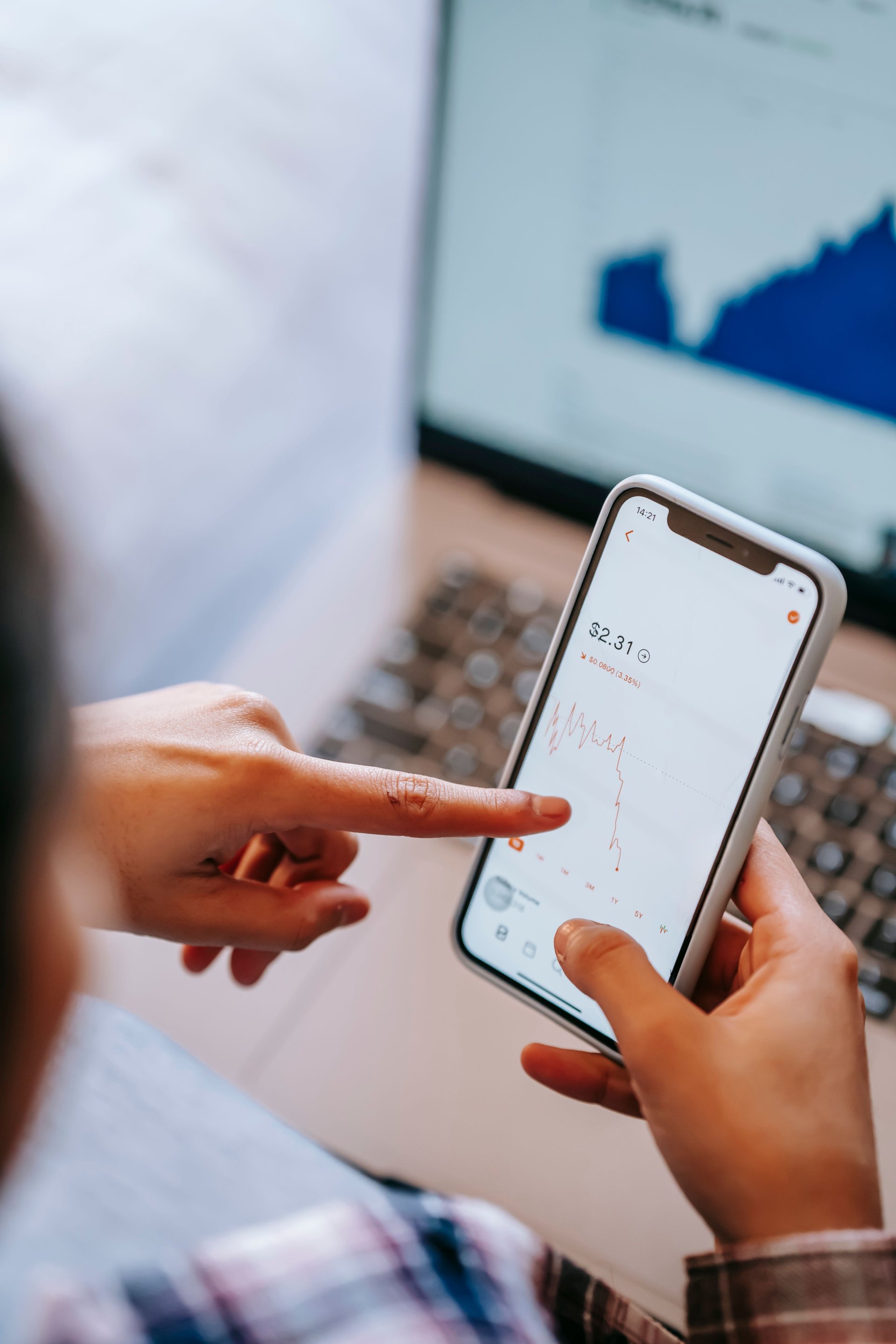
Every Stripe test card number you need for development, plus scenarios for declined cards, 3D Secure, and international payments. Copy-paste ready.

Learn how to convert academic papers to PDF while preserving citations, footnotes, and journal formatting. Essential guide for students and researchers.

Don't have Microsoft Word but need to convert DOCX to PDF? Learn 5 free methods that preserve formatting perfectly, including TheFreeConverter's instant online tool.

I stopped printing contracts 3 years ago. Here are the 5 methods I use to sign PDFs digitally, from 10-second browser tools to professional e-signature platforms.