



Why PDF Tables Break When You Paste Them Into Excel (And How to Fix It)
PDF tables look perfect on screen but fall apart the moment you try to get them into Excel. Here's why that happens and the methods that actually preserve your data.
Discover helpful tutorials, guides, and tips for file conversion, document processing, and productivity tools.

After testing Adobe, Preview, online tools, and command-line options, I found massive differences in security levels, privacy, and usability. Some methods are basically useless. Here's what I learned.

ChatGPT doesn't put a hidden watermark in its text. The invisible characters people find are odd spaces and zero-width characters, and here's where they come from, how to check for them and when to clean them out.
PDF tables look perfect on screen but fall apart the moment you try to get them into Excel. Here's why that happens and the methods that actually preserve your data.

Converting PDFs to images seems straightforward until you realize most methods produce blurry output. Here's how resolution works and which method gives you sharp results.

Most PDF viewers let you read documents but not edit the pages themselves. Here is how to split, combine, remove, reorder, and crop PDF pages without buying Adobe Acrobat.

APIs expect JSON. Your data is in a text file. Here is how to bridge the gap, with specific examples for common formats like CSV rows, key-value pairs, and line-separated lists.

Combining photos into a PDF sounds simple, but page orientation, image quality, and file size settings make the difference between a polished document and a bloated mess.

Unicode text styles look like custom fonts but they are actually different character sets. Here is how they work across Instagram, Discord, Twitter, and TikTok, which styles are safe to use, and why certain characters vanish on some platforms.
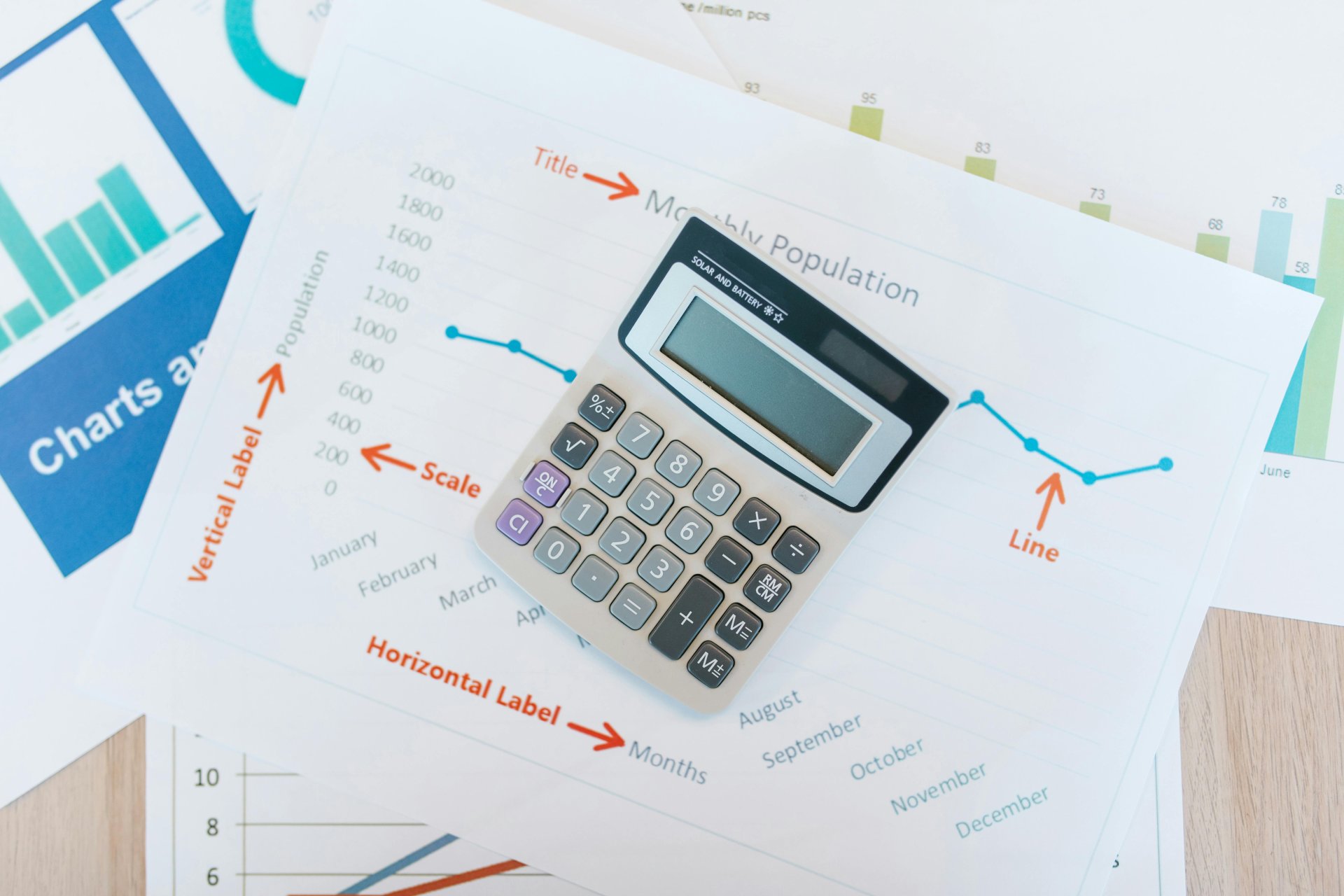
CSV files are everywhere, from bank exports to CRM downloads to API responses. But opening them in the wrong tool corrupts your data before you even start. Here is how to handle CSVs properly, avoid the most common pitfalls, and convert them when you need a different format.
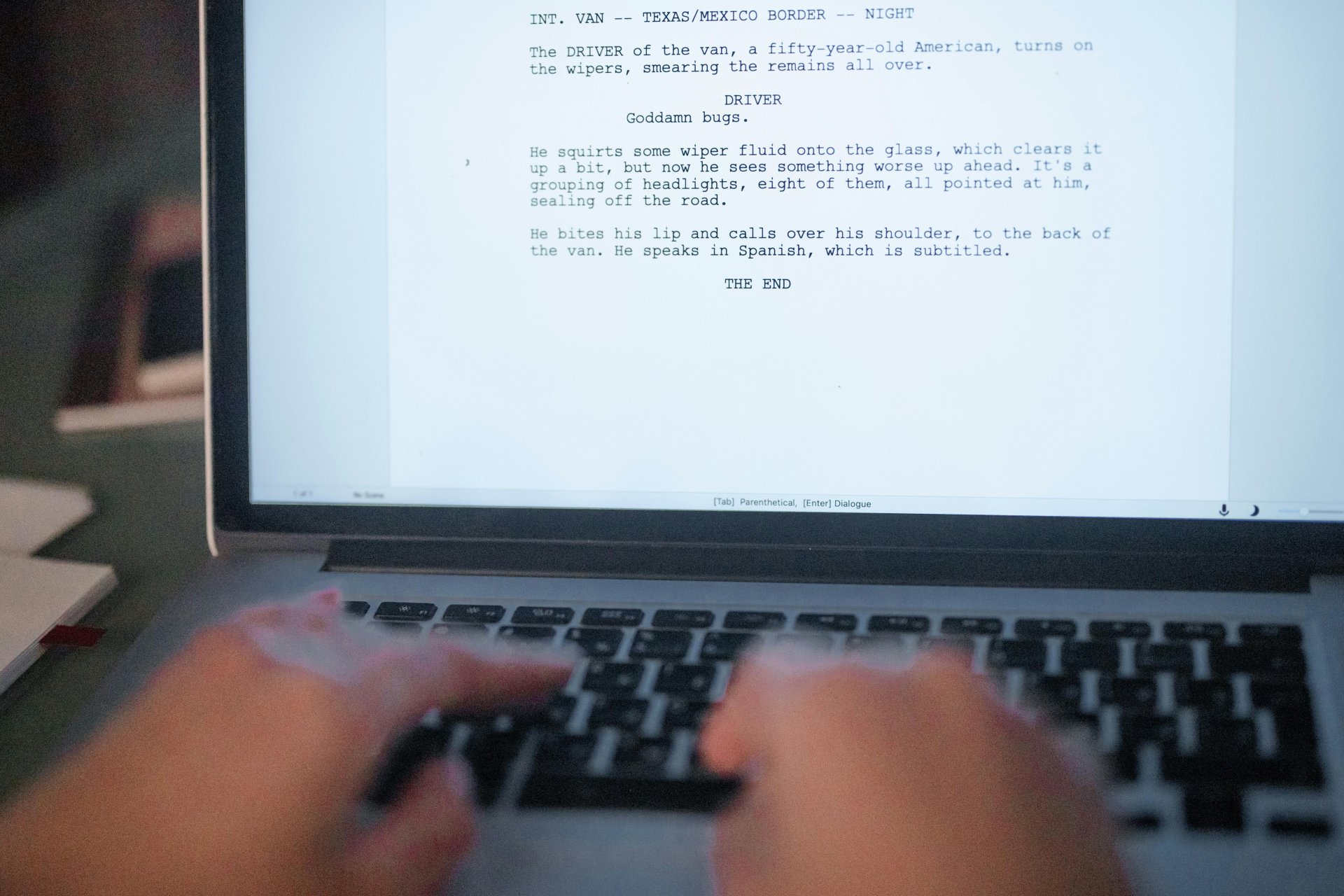
You need a DOCX file as a PDF, but you do not have Word installed. Here are five methods that actually work, ranked by formatting accuracy, speed, and what they cost. Some preserve your layout perfectly. Others will mangle your tables.

Microsoft Word's built-in Save as HTML feature produces bloated, unreadable code stuffed with proprietary XML and inline styles. Here is why that happens, what clean HTML actually looks like, and how to get from a Word document to semantic markup that does not make web developers cringe.

You built a spreadsheet with charts, conditional formatting, and pivot tables. Now you need to share it with someone who does not have Excel or should not see the underlying formulas. Converting to PDF is the answer, but the default export settings produce terrible results. Here is how to do it properly.

Claude exports your conversation history as a JSONL file that looks like gibberish in a text editor. Here is how to actually read, search, and make sense of those exports across Claude.ai, Claude Code, and API formats.

After 200+ guest stays, I tracked what actually gets mentioned in reviews. WiFi setup came up 23 times - and a simple QR code eliminated every complaint. Here's exactly what I did.