What Does This QR Code Link To? How to Read the Link Before Your Phone Opens It
A QR code is just text you can't read with your eyes. How to see the link inside before your phone opens it, how to read the domain right to left, and what to do with short links, stickers and codes in emails.
Most people check a QR code the wrong way round. They open the page, look at it, and decide whether it seems legit. By then the page has loaded, any sign-in form is already in front of them, and the code has done its job. The check that matters happens one step earlier: reading the link before anything opens.
That check takes about five seconds once you know where to look and which part of the address counts. Most of the address doesn't count at all.
What a QR code actually holds
A QR code is a box of text. Usually that text is a web address, but it can be a phone number (tel:), a pre-written text message (sms:), an email (mailto:), Wi-Fi login details (starting with WIFI:), a contact card (BEGIN:VCARD), a calendar event or a map location. Your phone reads the text and then decides what to do with it: open a browser, start a call, offer to join a network.
Nothing about the black and white squares tells a human which of those it is. That's the whole problem. With an email link you can at least hover over it. With a QR code you're trusting whoever printed it, and whoever may have stuck something on top of it since.
Boise State's IT office put it well in a 2025 warning about QR code phishing: because the codes are machine-readable rather than human-readable, they can slip past the email filters and security tools that catch ordinary bad links. The university said it had seen a marked rise in people falling for these attempts.
What does this QR code link to? Check it on your phone first
On an iPhone, scanning a code with the built-in camera doesn't open the link by itself. Apple's own instructions say to point the Camera app (or the Scan Code button in Control Center) at the code, then tap the link to open the content. That gap between "the link appears" and "you tap it" is your window. The address shows up on screen before you commit.
So the habit is simple: scan, stop, read. Don't tap the yellow or white banner the moment it appears. Read what it says.
One more thing from the FBI's public service announcement on tampered QR codes: don't download a separate QR scanner app to do this. The FBI says it raises your risk of installing malware, and most phones already have a scanner built into the camera. I agree with them. The camera app is made by the company that made your phone. A free scanner app with ads is made by someone you know nothing about, and it sees every code you scan.
What does this QR code link to when it's in a screenshot, email or PDF?
Codes don't only live on posters. They turn up in emails, in PDF invoices, in a screenshot a friend sent you. Boise State's warning specifically mentions QR codes placed straight into the body of an email or embedded inside a PDF. Pointing your phone at your own laptop screen works, but it puts the code on the device you're most likely to tap by accident.
Another way is to decode the image without a phone at all. Save the screenshot, then drop it into a QR code scanner that works from an image. The one on this site reads the code inside your browser, so the picture isn't uploaded anywhere, and it prints the text it found in a plain box with a label such as URL, WIFI or VCARD. The address is shown as text, not as a link, so there's nothing to click by mistake. A copy button sits next to it if you want to paste the address somewhere else to look at it.
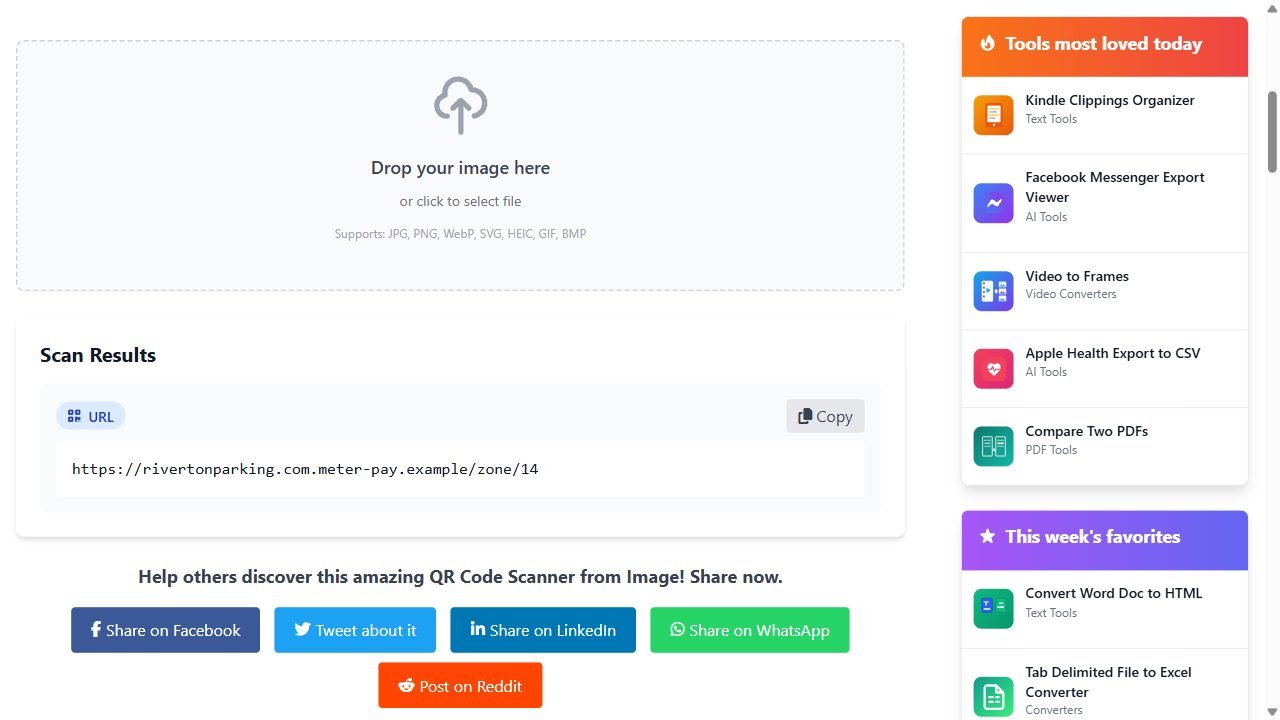
That screenshot is from a test code I made for this post, and the address is a good example of why reading it matters. It starts with rivertonparking.com, which looks like a parking company. It isn't. Read on.
Two limits worth knowing. It reads one code per image, so if a flyer has three codes on it, crop to the one you care about. And if the photo is blurry or the code is cut off at the edge, it will say no code was found rather than guess.
Read the domain right to left
Here's the rule that does most of the work. In a web address, the part that decides who owns the site is the name just before the first single slash, read from the right. Find the ending (.com, .org, .co.uk, .gov), then take the one word directly to its left. That pair is the domain. Everything to the left of it is a subdomain the owner can name whatever they like. Everything after the slash is a path, and the owner can write anything there too.
Scammers rely on people reading left to right and stopping as soon as they see a familiar name. So they put the familiar name first.
| What the code says | Who really owns it | Verdict |
|---|---|---|
| https://rivertonparking.com/pay | rivertonparking.com | The real company (if that's their site) |
| https://pay.rivertonparking.com/zone/14 | rivertonparking.com | Also theirs. "pay." is a subdomain they set up |
| https://rivertonparking.com.meter-pay.example/zone/14 | meter-pay.example | Not theirs. The real name is just decoration on the left |
| https://meter-pay.example/rivertonparking.com | meter-pay.example | Not theirs. The name is in the path, which means nothing |
| https://rivertonparkimg.com/pay | rivertonparkimg.com | Not theirs. An m where the n should be |
| https://riverton-parking-pay.com | riverton-parking-pay.com | A different domain. Hyphens make a new name |
All of those domains are made up for this table, including the parking company. The pattern is real, though. The FBI notice says a malicious domain may look like the intended one with a typo or a misplaced letter, and the typo row above is exactly that.
The hyphen row trips up careful people too. A company can own rivertonparking.com and have nothing to do with riverton-parking-pay.com. Anyone can register a name like that. If you don't already know the company's real domain, the code can't tell you, and that's a reason to go to the company another way (more on that below).
Short links hide the real destination
Plenty of honest codes don't contain the final address at all. They contain a short link, something like bit.ly/ followed by a few random letters, or a company's own shortener, which forwards you on to the real page. Printers love them because a shorter address makes a smaller, cleaner code. They're also a gift to anyone hiding where a code goes, because the only domain you can read is the shortener's.
A short link isn't proof of anything bad. Restaurant menus and event posters use them all the time. It just means the right-to-left trick has nothing to work on yet. You need to see the next stop.
Following a short link without opening it
You can follow the chain from somewhere other than your phone. Paste the address into a redirect checker and it asks for the link from a server, hop by hop, and shows you each address along the way and where it finally lands. Your phone never touches the link, and the site at the end sees a request from the checker's server, not from you.
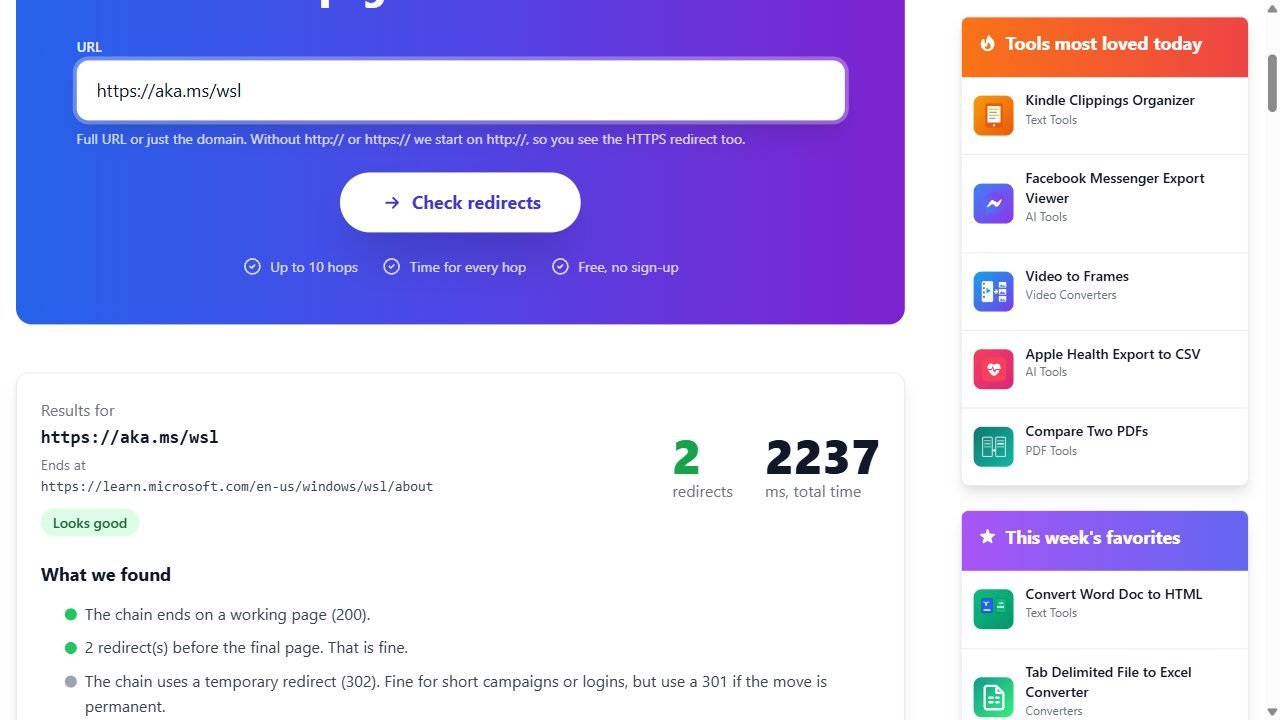
Here it's following Microsoft's own short link aka.ms/wsl. Two redirects, and the chain ends at learn.microsoft.com, which is where you'd expect a Microsoft link to go. That's what a clean result looks like: the last domain matches the company that printed the code.
The checker on this site follows up to 10 hops. It handles normal server redirects and the older meta refresh tags, but it doesn't run a page's JavaScript, so a page that forwards you with a script will show up as the last stop even if your browser would have moved on. If the final page in the checker looks like a blank holding page, treat that as unfinished, not as safe.
The padlock doesn't mean the site is honest
A lot of advice still says "look for https". It's a weak test for QR codes. The padlock and the "s" mean your connection to that domain is encrypted, so nobody in the middle can read it. They say nothing about who owns the domain or what they want. A fake parking payment page can have a perfectly valid certificate, the same as the real one.
So the order of questions is: whose domain is this, and does that match who printed the code? HTTPS comes after that, not instead of it. A page without HTTPS asking for card details is a hard no. A page with HTTPS is just a page.
Stickers on parking meters, and the "payment failed" email
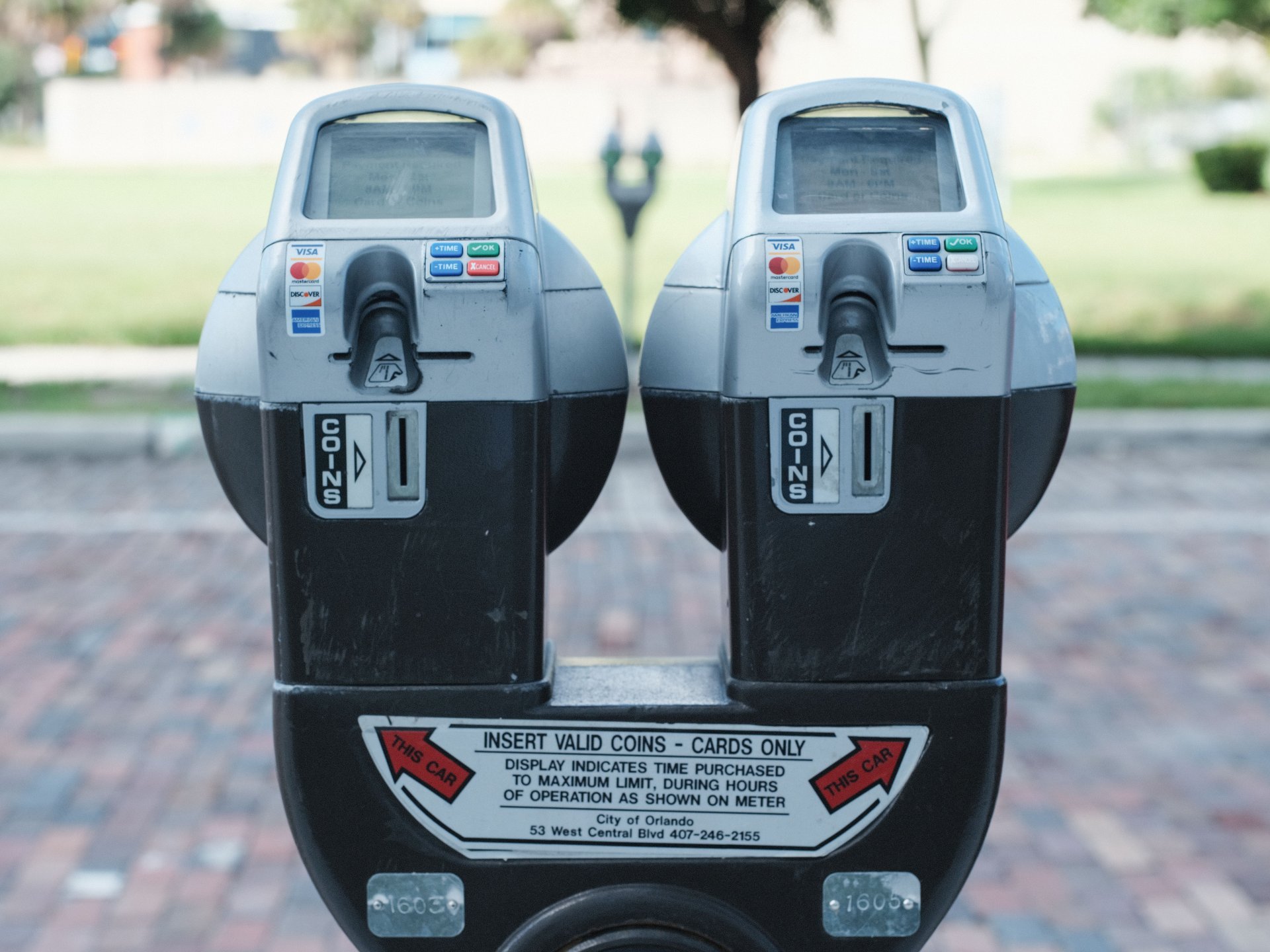
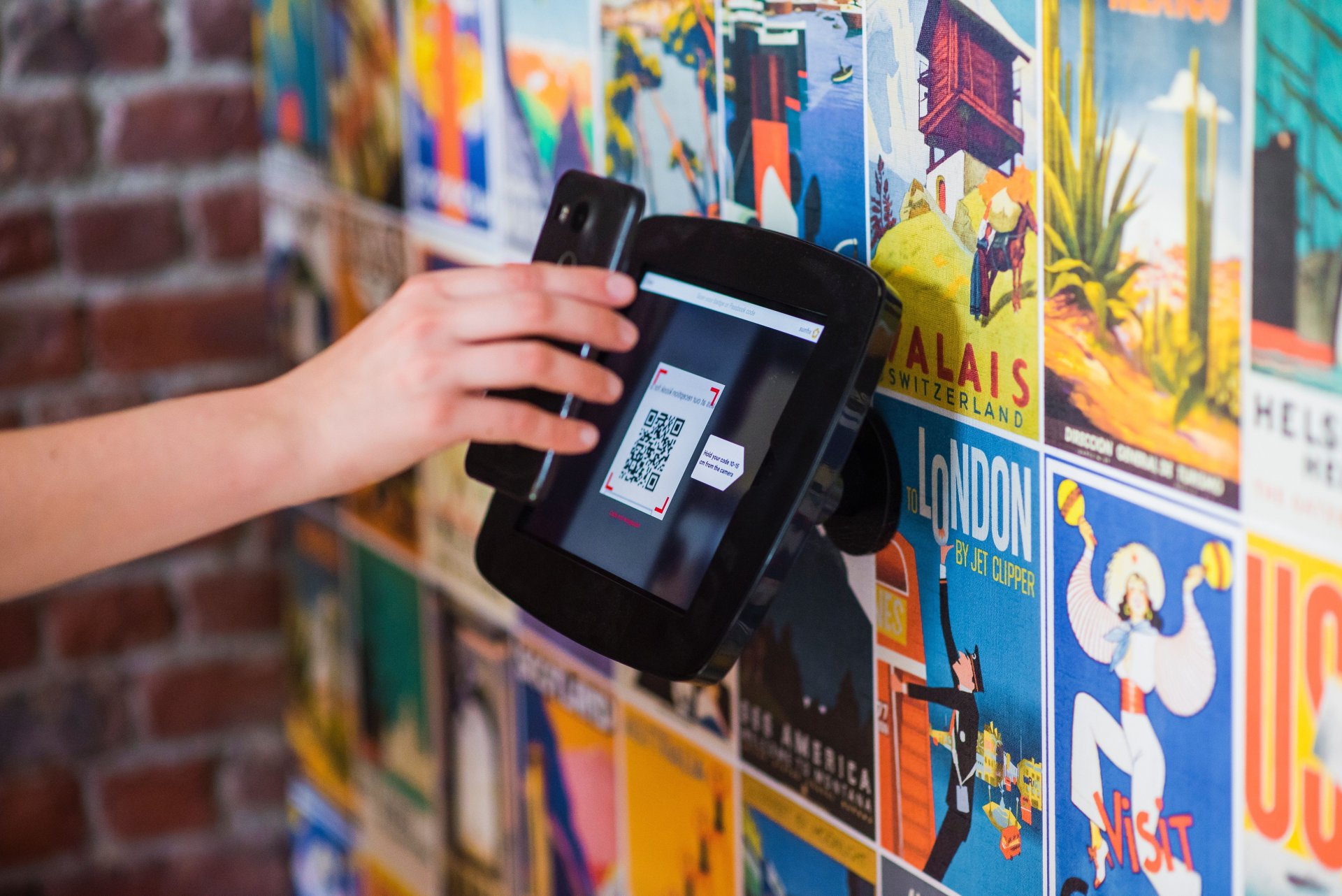
The physical version of this scam is boring and effective. Someone prints a code, puts it on a sticker, and sticks it over the real one on a parking meter, a restaurant table or a bike rental stand. The FBI's notice describes exactly that: tampered codes that send people to sites asking for login and payment details, and codes swapped to redirect a payment meant for a business. Their advice is to check that a physical code hasn't been tampered with, such as a sticker on top of the original.
Run your thumb over the code before you scan it. A sticker has an edge. If the code sits slightly crooked, looks a different shade of white from the sign around it, or there's a second code peeking out from underneath, don't use it. If the meter or sign names the operator or its app, go through that instead. It's slower and much safer.
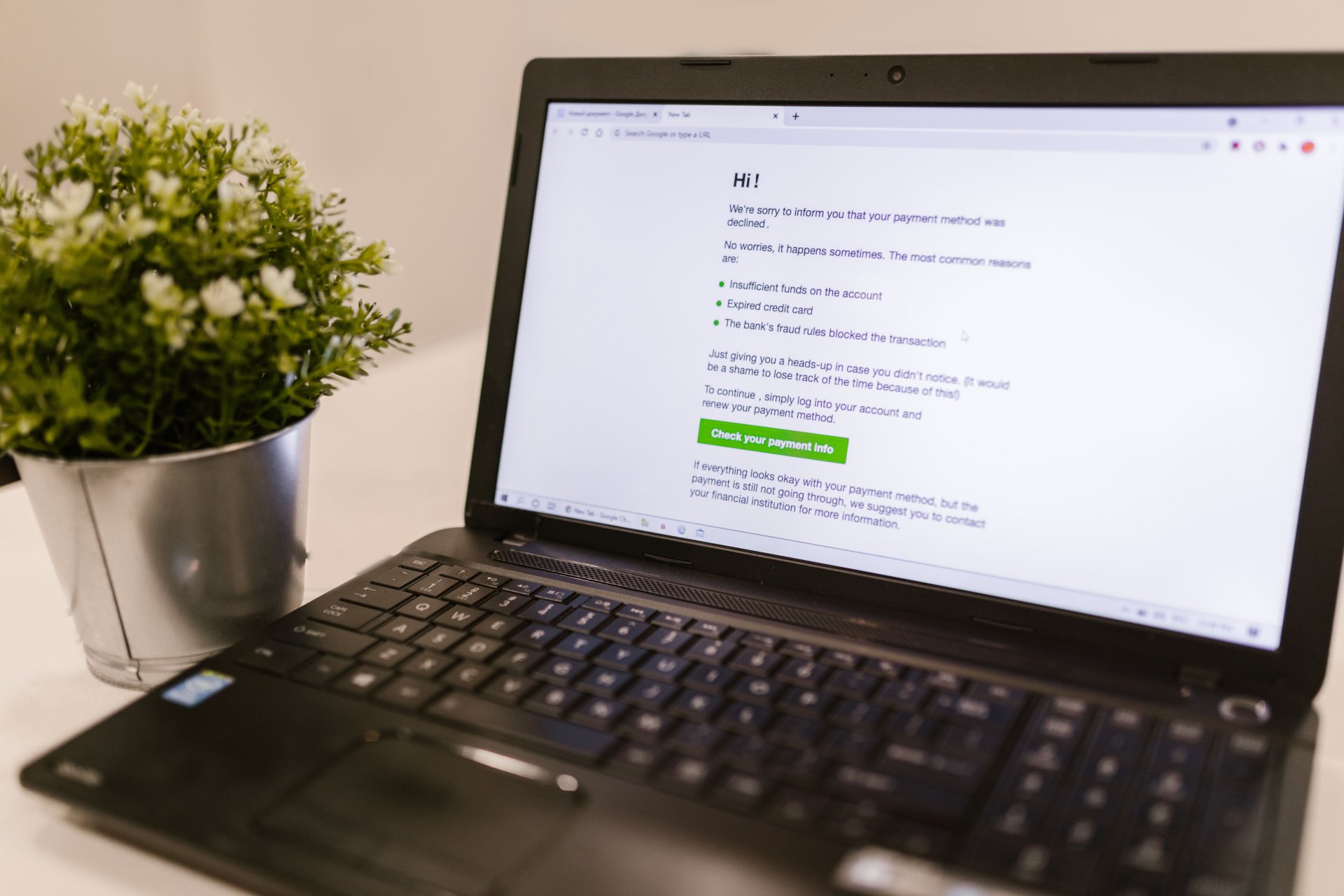
The email version comes dressed as a problem you need to fix. The FBI calls out one case in particular: an email saying a payment to a company you recently bought from failed, and that you can only complete it through a QR code. Their advice is to call the company, using a phone number from a site you trust rather than one in the email. I'd add: any message that tells you a QR code is the only way to pay or sign in is waving a flag at you. Real companies have websites you can type in yourself.
Two things the FBI says not to do
The FBI notice has a list of tips, and two of them go further than most people expect.
- Don't install an app from a QR code. Use your phone's app store instead. If a sign says "scan to download our app", search for the app by name in the store and check the developer.
- Avoid paying through a site you reached from a QR code. Type in a web address you know and trust and pay there.
The second one is stricter than what I'd do for a menu or a museum audio guide, and that's the point of it. Reading the link is fine for low-stakes codes. The moment money or a password is involved, the safest link is one you typed yourself.
If you already opened it
Opening a page by itself is usually less of a disaster than people fear. What hurts is what you typed into it. If you entered a password, change it now on the real site (typed in by hand), and anywhere else you use the same one, then turn on two-step sign-in. If you entered card details, call the number on the back of the card. If you paid someone, contact your bank straight away; the FBI notice is blunt that law enforcement can't guarantee getting money back once it's been sent.
In the US, the FBI asks people to report this kind of fraud to their local field office and to the Internet Crime Complaint Center at ic3.gov. If it happened on a work or school account, tell your IT team too. They often can't stop the first click, but they can block the domain for everyone else.
And if you're the one putting a QR code on a menu or a sign, print the domain in plain text next to it. Two lines of text are enough to let people check the code against something a sticker can't change.