MP3 to OGG for Games and Discord Bots: When the Engine Wants OGG and Which Settings Work
Whether you should convert MP3 to OGG depends on where the file is going. Godot keeps your OGG as is, Unity re-encodes it anyway, Minecraft Java accepts nothing else, and Discord bots want Opus, not Vorbis.
Most MP3 to OGG guides skip this: in Unity, converting your music to OGG first does nothing useful. Unity decodes whatever you import and encodes it again for the build. In Godot it's the opposite story, and in Minecraft Java Edition OGG isn't a preference at all, it's the only thing the game loads. Discord bots are the odd one out, because the OGG they want holds a different codec from the OGG most converters write.
So whether you should convert MP3 to OGG depends entirely on where the file is going. This is the short version, by destination.
Where MP3 to OGG actually matters
| Destination | Takes MP3? | What it wants | Convert MP3 to OGG? |
|---|---|---|---|
| Godot 4 | Yes | Ogg Vorbis for music, WAV for short effects | Yes for music, if you only have the MP3 |
| Unity | Yes | Anything; it re-encodes on import (Vorbis by default) | No. Import the best source you have |
| Minecraft Java resource packs | No | .ogg files only, mono for positional sounds | Yes, it's required |
| Discord bots (discord.js) | Yes, through FFmpeg | Opus, ideally in an OGG or WebM container | Only if the OGG holds Opus, not Vorbis |
The pattern: convert when the destination plays your file as is. Skip it when the destination re-encodes anyway, because every lossy-to-lossy pass throws away a bit more detail and you gain nothing in return.
Godot: the one engine where the format choice sticks
Godot keeps compressed audio in the format you import it in, so the choice actually ships with your game. Godot's documentation on importing audio lays out the trade. One second of stereo Ogg Vorbis at 128 kb/s takes about 16 KB. One second of MP3 at 192 kb/s takes about 24 KB. Vorbis gets smaller files at similar quality, but it costs more CPU to decode than MP3 does.
Their advice, which I agree with: WAV for short sounds that fire constantly (footsteps, gunshots, UI clicks), Ogg Vorbis for music, dialogue and long ambience. They do point out that MP3 can be the better pick on mobile and web builds where several compressed streams play at once and CPU is tight. For a typical desktop game with one music track and a couple of ambient loops, Vorbis is the sensible default.
Looping is the other reason people convert. In the import dock, Ogg Vorbis and MP3 files both get a Loop checkbox and a Loop Offset in seconds, so you can loop from the end back to, say, 4.2 seconds and skip the intro. There's no loop end point for either format, though. If you need a loop that stops before the file ends, you either trim the file or use WAV, which supports loop begin and end points in samples.
One thing to know before you blame the converter: if an MP3 loop has a tiny gap or click at the seam, that's usually silence the MP3 encoder padded onto the end. Converting the MP3 doesn't always clean it up. If you have the original project file, export the loop straight to OGG from there and the problem usually goes away.
Unity: skip the MP3 to OGG step
This is where people waste time. Unity's manual on audio compression says it plainly: when you import a non-tracker file, Unity re-encodes it to the build target's format. On desktop and mobile the default Compressed setting uses Vorbis, with a Quality slider in the AudioClip import settings.
So your pipeline turns into MP3, decoded, encoded to Vorbis by your converter, decoded again by Unity, and encoded to Vorbis one more time. Two lossy encodes became three. You won't hear it on every track, but cymbals, reverb tails and quiet room tone are where it shows first.
What to do instead: import the cleanest source you have. A WAV from the composer is ideal. If all you've got is the MP3, import the MP3 directly and let Unity do its single conversion. Then set the quality yourself. Unity's advice is to start high, lower it until you hear the loss, and back off a notch.
Minecraft resource packs: OGG or it doesn't play
Java Edition resource packs only reference .ogg files in sounds.json, so there's no way around converting here. There's one detail that catches nearly everyone: channel count decides how the sound behaves. A mono file plays from a location in the world and gets quieter as you walk away. A stereo file plays at the same volume wherever you stand.
That's fine for a music disc replacement. It's wrong for a custom mob noise or a block sound, which then sounds like it's coming from inside your head. Most MP3s are stereo, and a straight conversion keeps them stereo. For positional sounds, fold to mono while you convert:
ffmpeg -i growl.mp3 -ac 1 -c:a libvorbis -q:a 5 growl.oggConverting MP3 to OGG without making it worse
For a one-off file that just needs to become Vorbis, the MP3 to OGG converter on this site runs the same FFmpeg encoder you'd run yourself. I tested it with a 30-second stereo track to see exactly what it writes.
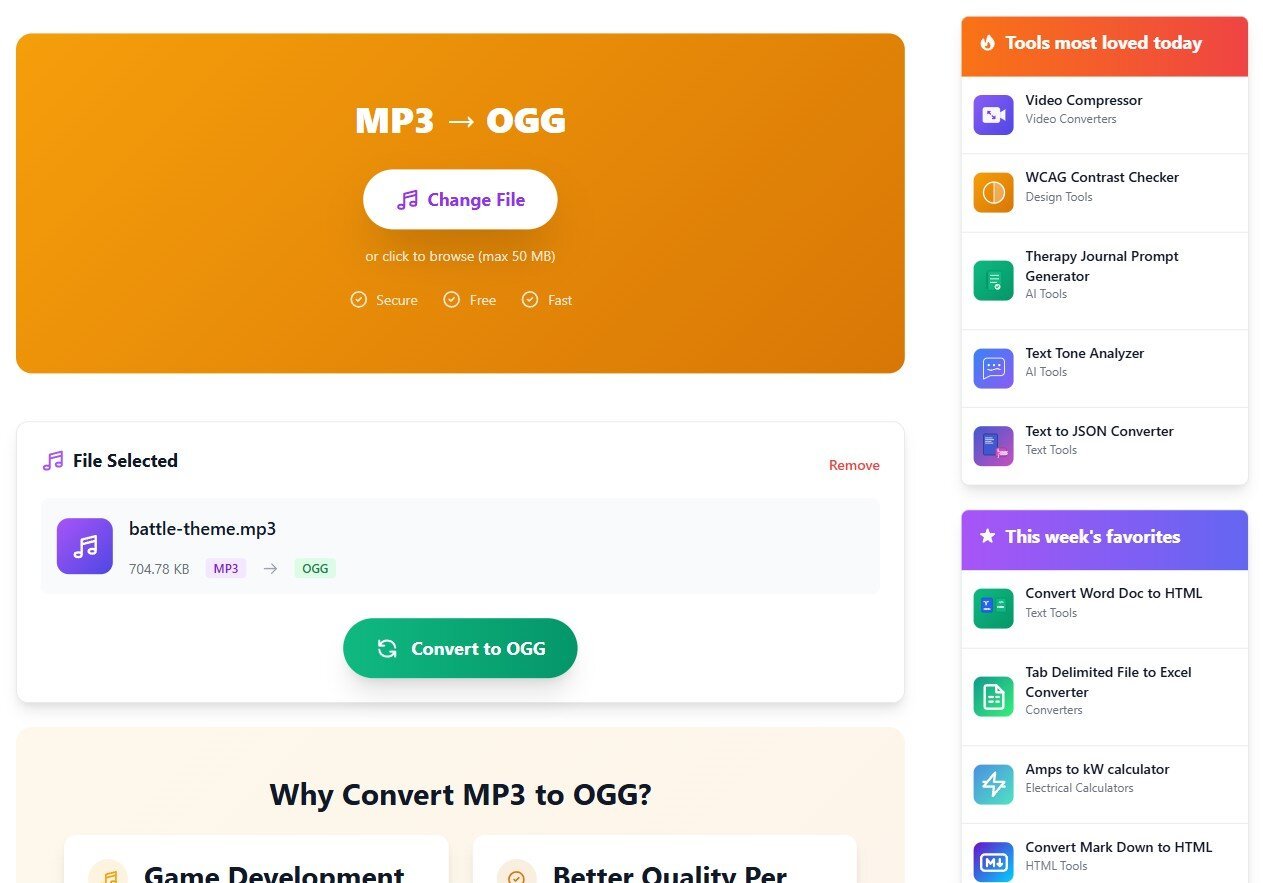
What you get back:
- Codec: libvorbis at quality 5. The code also passes a 192k bitrate flag, but in quality mode FFmpeg ignores it. I encoded the same file with and without that flag and got byte-identical output.
- Real bitrate: quality 5 is variable. The file header claims a nominal 160 kb/s, but my test track averaged 95 kb/s. Vorbis spends bits where the audio needs them, so the number you get depends on the material, and a dense mix can come out well above my test file.
- Size: the 705 KB MP3 came back as a 350 KB OGG, about half.
- Sample rate and channels: unchanged. A stereo 44.1 kHz MP3 stays stereo 44.1 kHz, so for Minecraft positional sounds you still need the mono command above.
- Tags: the title and artist moved across as Vorbis comments. Embedded cover art is dropped, which is what you want for a game asset anyway.
- Limit: 50 MB per file, and it's one file at a time, processed on the server, not in your browser.
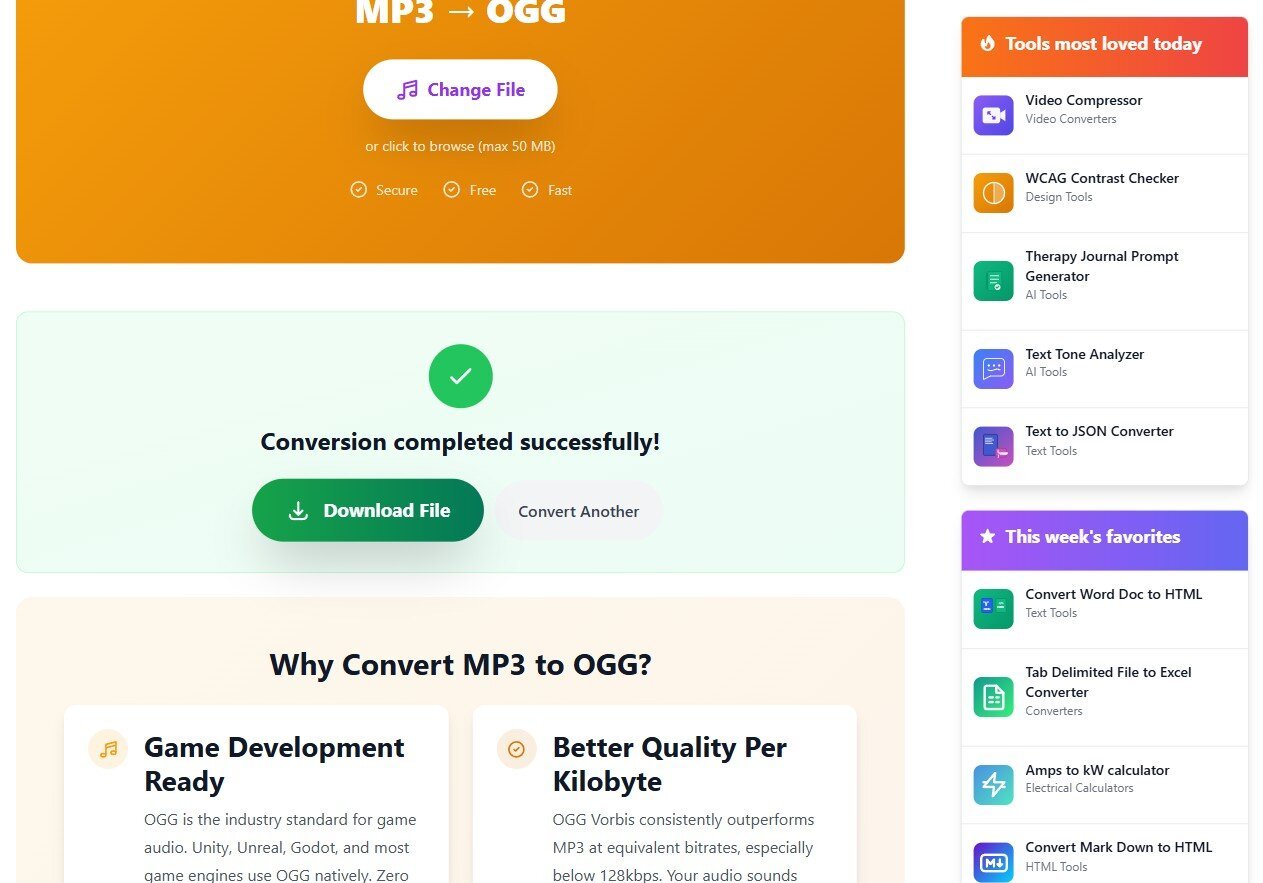
There are no quality or bitrate controls on the page. For music that's going to be played as is, quality 5 is a reasonable middle setting. If you're shipping dozens of long tracks and size matters more, run FFmpeg locally with -q:a 3 instead and listen to the result before you commit to it.
Discord bots want Opus, which is a different OGG
OGG is a container, like a ZIP file for audio. Vorbis and Opus are two different codecs that can both live inside it, and both files end in .ogg. Discord voice runs on Opus. If your bot hands discord.js an Ogg Opus file and tells it the stream type is StreamType.OggOpus, the library can pass the audio through without starting FFmpeg at all. That matters when a small VPS is playing to several servers at once.
An Ogg Vorbis file doesn't get that shortcut. It goes through FFmpeg like an MP3 would, so converting MP3 to Vorbis for a bot buys you nothing. Our converter writes Vorbis, which makes it the wrong tool for this job. Use FFmpeg directly:
ffmpeg -i intro.mp3 -c:a libopus -b:a 96k -ar 48000 intro.oggOpus works internally at 48 kHz, so I set -ar 48000 explicitly rather than leave the resampling to chance. 96 kb/s is plenty for music in a voice channel. I wouldn't bother going higher. Most listeners are on laptop speakers and earbuds.
Which one should you actually do?
If the file goes into Godot as music, or into a Minecraft pack, convert MP3 to OGG Vorbis and move on. If it goes into Unity, don't convert at all. If it goes into a Discord bot, convert to Opus, not Vorbis. And whenever you can get the WAV or the original project instead of the MP3, take it. A lossy file converted to another lossy format never sounds better than it started.